
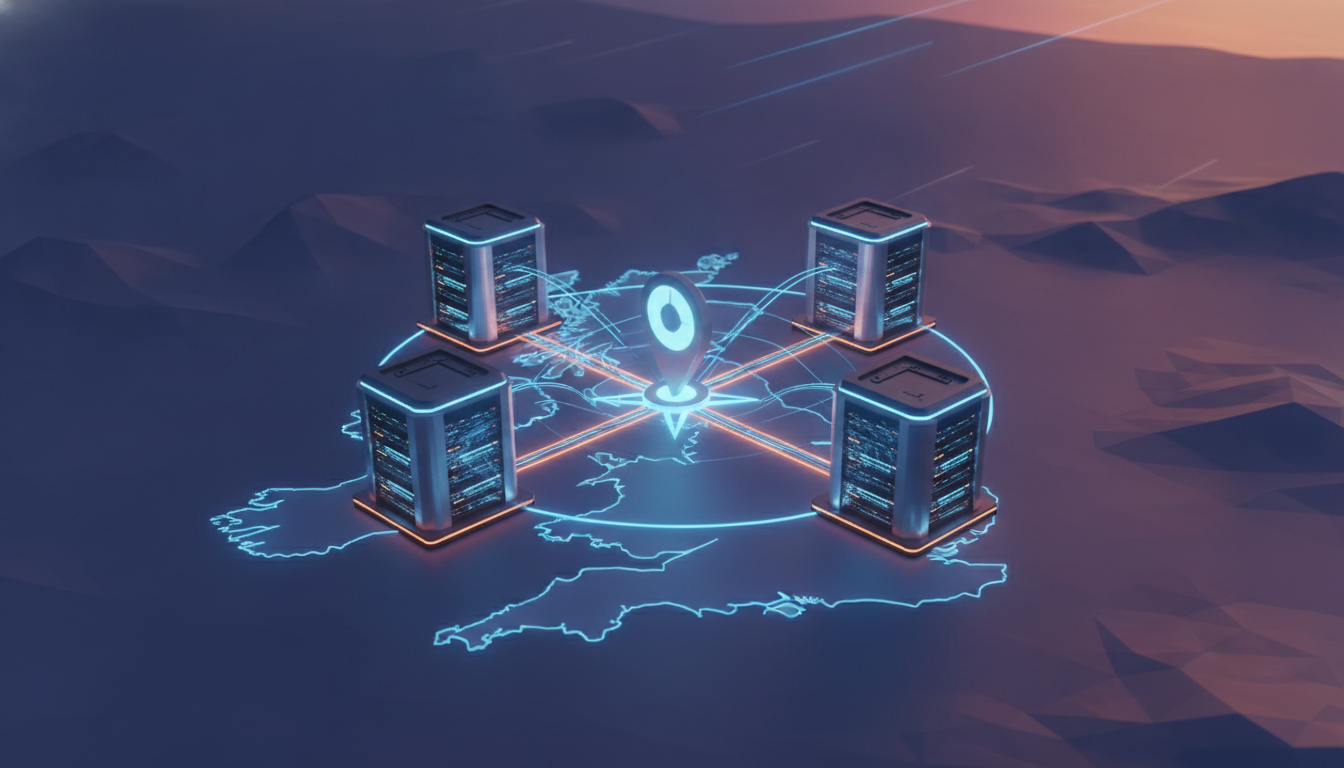
AWS quietly dropped a fourth eu-west-2d Availability Zone into the London Region on August 19, and if your architecture diagram still shows three boxes labeled eu-west-2a/b/c, it’s already stale. This isn’t a “nice to know” announcement — it’s an invitation to go fix the Multi-AZ setup you’ve been meaning to revisit since that one incident nobody talks about anymore.
Per the official announcement, eu-west-2d ships with general-purpose compute plus next-gen accelerated capacity (EC2 Trn3 and P6 instances). No new tooling, no new API version, no migration wizard — it just shows up as a fourth zone in an existing Region. Which is exactly why teams miss it: nothing forces you to use it. Standard eu-west-2 pricing applies, so there’s no cost excuse either.
Why a Fourth AZ Actually Changes Your Design
Three AZs is the classic quorum-friendly number — it plays nicely with RDS Multi-AZ, with etcd/Zookeeper-style consensus, with “N+1 across three zones” capacity math. Four AZs breaks that tidy assumption in a good way: you get an extra fault domain, better blast-radius isolation during an AZ-level event, and more room to spread accelerated-instance demand without fighting your neighbors for Trn3/P6 capacity. AWS’s own Availability Zones documentation is blunt about the tradeoff: more AZs means more resilience, but only if your subnets, ASGs, and data tier are actually configured to span them.
Most eu-west-2 accounts I’ve poked at recently are hardcoded to three AZs somewhere — a Terraform variable, a CloudFormation mapping, a --availability-zones flag baked into a deploy script years ago. That’s the first thing to hunt down.
Step One: Confirm You Can Actually See the eu-west-2d Availability Zone
Not every account gets every AZ by default in every Region historically, so verify first:
aws ec2 describe-availability-zones \
  --region eu-west-2 \
  --query 'AvailabilityZones[].{Name:ZoneName,State:State,Id:ZoneId}' \
  --output table
You’re looking for eu-west-2d with State: available. If it’s missing, check your account’s describe-availability-zones reference for opt-in requirements — new AZs occasionally need an explicit opt-in on older accounts.
Step Two: Extend Your VPC Subnets
Add a subnet in the new AZ per tier (public, private-app, private-data). Don’t just bolt one subnet on — keep your CIDR scheme consistent or you’ll hate yourself in six months:
aws ec2 create-subnet \
  --vpc-id vpc-0abc123456789ef01 \
  --cidr-block 10.0.40.0/24 \
  --availability-zone eu-west-2d \
  --tag-specifications 'ResourceType=subnet,Tags=[{Key=Name,Value=private-app-eu-west-2d}]'
Repeat for public and data tiers, wire up route tables, and if you’re using NAT Gateways per-AZ for resilience (you should be), provision one here too. See the VPC subnet configuration guide if your CIDR math is rusty.
Step Three: Tell Auto Scaling and Load Balancers About the New Zone
This is the step people forget, and it’s the one that actually matters. An ASG that doesn’t know eu-west-2d exists will never launch an instance there, no matter how good your subnet design is:
aws autoscaling update-auto-scaling-group \
  --auto-scaling-group-name web-tier-asg \
  --vpc-zone-identifier "subnet-aaa111,subnet-bbb222,subnet-ccc333,subnet-ddd444"

aws elbv2 set-subnets \
  --load-balancer-arn arn:aws:elasticloadbalancing:eu-west-2:123456789012:loadbalancer/app/web-alb/abc123 \
  --subnets subnet-aaa111 subnet-bbb222 subnet-ccc333 subnet-ddd444
AWS also shipped a “reservations-then-balanced” distribution strategy for EC2 Auto Scaling this year, which is worth pairing with any Capacity Reservations you hold for accelerated instances — see the Auto Scaling AZ distribution update.
Step Four: Revisit RDS, ElastiCache, and Anything Quorum-Based
RDS Multi-AZ deployments won’t automatically rebalance onto eu-west-2d — that’s a manual (or Blue/Green) migration decision, not something you flip a switch for. Same goes for MSK brokers or self-managed Kafka/etcd clusters running odd-numbered quorums across AZs. Going from 3 to 4 AZs available doesn’t mean you should blindly add a fourth replica — an even AZ count can complicate quorum math for consensus systems. Plan deliberately: pick which three (or five) of your four AZs a given quorum-based service uses, rather than assuming “more is automatically better.”
Capacity Reservations for the Accelerated Instances
If your actual motivation for caring about eu-west-2d is Trn3 or P6 capacity for training workloads, lock it down rather than hoping On-Demand has room when you need it:
aws ec2 create-capacity-reservation \
  --instance-type trn3.32xlarge \
  --instance-platform Linux/UNIX \
  --availability-zone eu-west-2d \
  --instance-count 4 \
  --instance-match-criteria targeted
Full parameter reference is in the Capacity Reservations guide, and if you’re provisioning via IaC, the CloudFormation resource docs cover the equivalent AWS::EC2::CapacityReservation properties.

Don’t Skip Placement Groups If You’re Training in eu-west-2d
If you’re actually running distributed training on the new Trn3 capacity, a cluster placement group matters more than the AZ itself — it controls low-latency, high-throughput networking between instances. Check the EC2 placement groups documentation before you assume eu-west-2d alone solves your throughput problem; it doesn’t, it just gives you somewhere to put the placement group.
Watch Out: AZ Names Aren’t Consistent Across Accounts
Here’s the gotcha that catches even experienced teams: eu-west-2d in your account is not guaranteed to map to the same physical data center as eu-west-2d in a different AWS account. AWS deliberately randomizes the AZ-name-to-physical-location mapping per account to spread load evenly across its infrastructure. If you’re coordinating shared infrastructure across multiple accounts — a hub-and-spoke network, cross-account peering, or a shared services VPC — don’t assume AZ names line up. Use AZ IDs instead, which are stable identifiers (like euw2-az4) that do correspond to the same physical location across every account:
aws ec2 describe-availability-zones \
  --region eu-west-2 \
  --query 'AvailabilityZones[].{Name:ZoneName,Id:ZoneId}' \
  --output table
If you’re building Transit Gateway attachments or cross-account VPC peering that needs to land in the same physical AZ regardless of account, reference the AZ ID, not the name, in your Terraform or CloudFormation.
Instrument It Before You Trust It
Don’t just deploy into eu-west-2d and assume it’s working — verify per-AZ health visibility exists. Add a CloudWatch dashboard widget or Route 53 health check scoped to targets in the new zone specifically, so an eu-west-2d-only degradation doesn’t get averaged away by healthy metrics from the other three zones:
aws cloudwatch put-metric-alarm \
  --alarm-name "eu-west-2d-unhealthy-targets" \
  --namespace AWS/ApplicationELB \
  --metric-name UnHealthyHostCount \
  --dimensions Name=AvailabilityZone,Value=eu-west-2d Name=LoadBalancer,Value=app/web-alb/abc123 \
  --statistic Average --period 60 --threshold 1 \
  --comparison-operator GreaterThanOrEqualToThreshold \
  --evaluation-periods 2 --alarm-actions arn:aws:sns:eu-west-2:123456789012:ops-alerts
What to Actually Do This Week
Audit every hardcoded AZ list in your Terraform, CDK, or shell scripts. Add subnets in eu-west-2d across every tier. Update ASGs, ALBs/NLBs, and anything doing zone-aware routing. Then — deliberately, not automatically — decide whether your data tier and quorum-based services should move to four zones or stay pinned at three (or five) for consensus reasons. A new AZ is free capacity and free resilience, but only for the parts of your stack that know it exists.
At Enkompass (enkompass.net), this is our home turf. We’ve rebuilt more than a few “three-AZ-forever” architectures the week a Region grew a fourth zone, and it’s never as simple as editing one variable. If you’d rather have seasoned cloud people handle it instead of learning the hard way at 2 AM, let’s talk. Reach out through our contact page or call us directly at +1-828-436-5667 — we’ll help you turn this from a someday-project into a done-deal.