
This tutorial walks through getting DuckDB running against real data in S3 — no cluster, no managed service, just a binary and some SQL. By the end you’ll query a Parquet dataset sitting in an S3 bucket, join it against a local CSV file, and write the combined result back to S3. This is the exact workflow worth practicing now that AWS has agreed to acquire DuckLabs, the company behind DuckDB — the patterns here aren’t going away, they’re about to get more first-class AWS support.
Prerequisites
- A terminal (macOS, Linux, or WSL on Windows).
- An AWS account with an existing S3 bucket you can read from and write to.
- An IAM user or role with
s3:GetObject,s3:PutObject, ands3:ListBucketpermissions on that bucket — see the IAM user guide if you need to create one. - The AWS CLI installed and configured (
aws configure) with those credentials, since DuckDB can reuse your local AWS credential chain. - A Parquet dataset already in your bucket. If you don’t have one handy, any public sample Parquet file works — the DuckDB S3 import guide has examples.
- ~15 minutes.
What you’ll build with DuckDB
A local SQL session that reads Parquet directly from S3, blends it with a CSV file on your laptop, and exports a summarized result back to a new S3 location — all without touching Athena, Glue, or a Redshift cluster.
-
Install DuckDB
DuckDB ships as a single binary with no dependencies. On macOS with Homebrew:
brew install duckdbOn Linux, grab the release binary directly:
curl -L https://github.com/duckdb/duckdb/releases/latest/download/duckdb_cli-linux-amd64.zip -o duckdb_cli.zip
unzip duckdb_cli.zip
chmod +x duckdb
sudo mv duckdb /usr/local/bin/
Verify it installed:
duckdb --versionThen launch the interactive shell:
duckdb -
Install and load the httpfs extension
DuckDB’s core doesn’t know how to talk to S3 out of the box — that’s handled by the
httpfsextension, documented in the DuckDB httpfs reference. Inside the DuckDB shell:INSTALL httpfs; LOAD httpfs;INSTALLdownloads the extension once and caches it locally;LOADactivates it for the current session. You’ll need to runLOAD httpfs;at the start of every new session. -
Configure IAM credentials
The cleanest option is to let DuckDB pick up the same credential chain the AWS CLI uses. Create a secret referencing your configured profile:
CREATE SECRET aws_creds (
    TYPE s3,
    PROVIDER credential_chain,
    REGION 'us-east-1'
);
If you’d rather pass credentials explicitly (fine for a quick test, not for anything you commit to source control), use:
CREATE SECRET aws_creds (
    TYPE s3,
    KEY_ID 'AKIAEXAMPLE',
    SECRET 'wJalrXUtnFEMIEXAMPLEKEY',
    REGION 'us-east-1'
);
Either approach follows the same secrets model AWS documents for its own SDKs in the AWS SDK credentials guide — DuckDB is just consuming the same underlying pattern.
-
Query the Parquet dataset directly on S3
No download, no copy step — point
read_parquet()straight at the S3 path:SELECT * FROM read_parquet('s3://my-analytics-bucket/orders/*.parquet') LIMIT 10;Run an actual aggregation to confirm it’s doing real work, not just previewing:
SELECT
    region,
    COUNT(*) AS order_count,
    SUM(order_total) AS total_revenue
FROM read_parquet('s3://my-analytics-bucket/orders/*.parquet')
GROUP BY region
ORDER BY total_revenue DESC;
DuckDB uses Parquet’s own metadata to skip row groups and columns that can’t match your filters, so this stays fast even against a dataset far larger than what fits comfortably in memory.
-
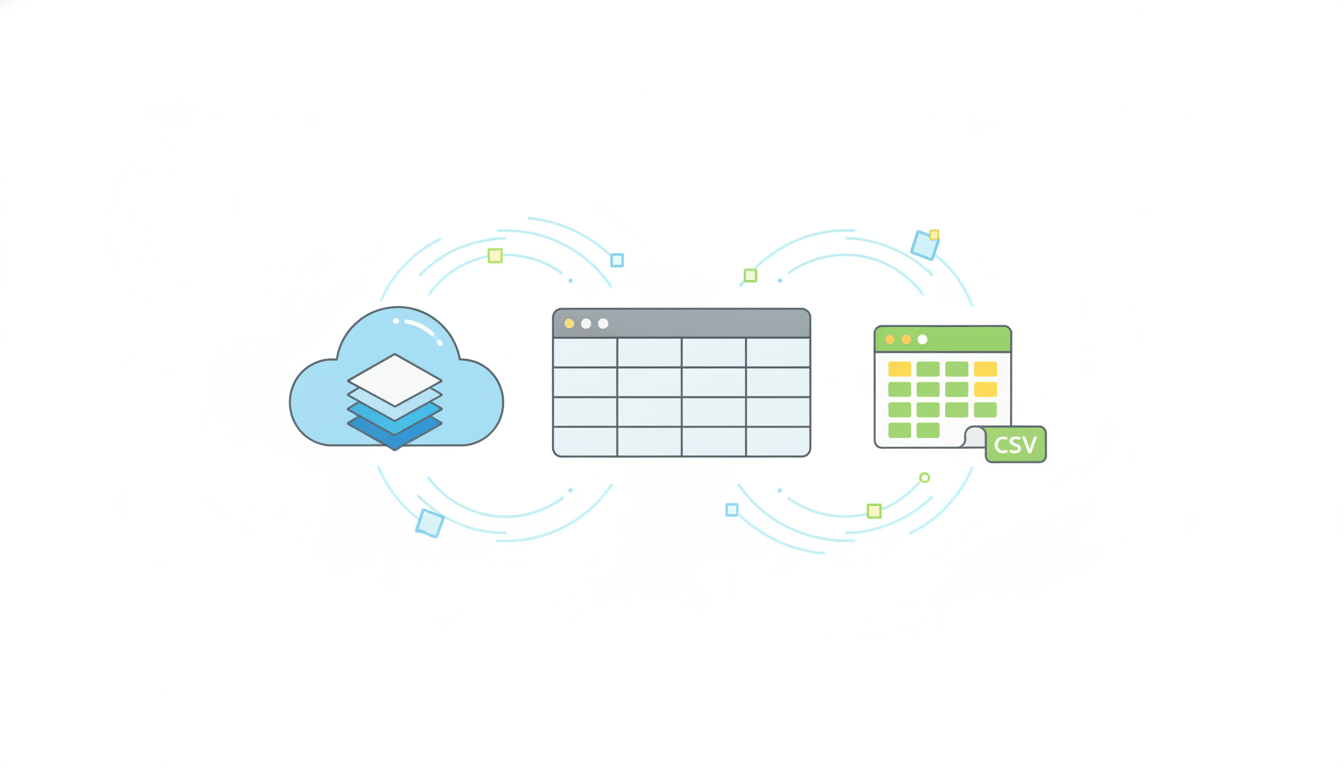
Join the S3 Parquet data with a local CSV
Say you’ve got a local
regions.csvmapping region codes to account managers:region_code,account_manager us-east,Dana Kim us-west,Priya Rao eu-central,Jonas WeberDuckDB reads local files and S3 objects with the same SQL, so joining across them is a single query — no ETL job required:
SELECT
    r.account_manager,
    o.region,
    SUM(o.order_total) AS total_revenue
FROM read_parquet('s3://my-analytics-bucket/orders/*.parquet') AS o
JOIN read_csv('regions.csv') AS r
    ON o.region = r.region_code
GROUP BY r.account_manager, o.region
ORDER BY total_revenue DESC;
That’s a cloud-scale dataset and a local reference file, joined in-process, with zero infrastructure spun up to do it.
-
Export the results back to S3
Write the joined result straight back out as Parquet in a new S3 location:
COPY (
    SELECT
        r.account_manager,
        o.region,
        SUM(o.order_total) AS total_revenue
    FROM read_parquet('s3://my-analytics-bucket/orders/*.parquet') AS o
    JOIN read_csv('regions.csv') AS r
        ON o.region = r.region_code
    GROUP BY r.account_manager, o.region
) TO 's3://my-analytics-bucket/reports/revenue_by_manager.parquet'
(FORMAT PARQUET);
Confirm the object landed using the AWS CLI:
aws s3 ls s3://my-analytics-bucket/reports/ -
Troubleshoot common access errors
If step 4 fails instead of returning rows, it’s almost always one of three things. An
HTTP 403means your IAM identity is missings3:GetObjecton that exact prefix — check the bucket policy and the identity’s attached policy, not just one or the other. AnHTTP 301or a connection timeout usually means theREGIONin your secret doesn’t match the bucket’s actual region; DuckDB won’t auto-discover it for you. And a “no files found” error on a wildcard path almost always means the glob pattern doesn’t match the actual key structure — runaws s3 ls s3://my-analytics-bucket/orders/first to confirm the path before blaming DuckDB. You can also sanity-check your credentials in isolation before ever touching SQL:SELECT * FROM read_parquet('s3://my-analytics-bucket/orders/') LIMIT 1;If that single-row check returns data, your credentials and region are correct and any further errors are about the query logic, not the connection.
What you built
You went from a bare terminal to a working analytics pipeline: DuckDB installed locally, the httpfs extension wired up to authenticate against S3 using standard IAM credentials, a live aggregation query running directly against Parquet files in a bucket, a join against a local CSV with zero staging or ETL, and a summarized result exported back to S3 as a new Parquet object — all without touching Athena, Glue, EMR, or a single dollar of always-on compute. That’s the whole appeal of DuckDB in one hands-on pass, and it’s exactly the workflow AWS is signaling it wants to make even smoother as the DuckLabs acquisition moves toward closing.
From here, the natural next steps are worth practicing on your own data: swap the credential-chain secret for a scoped IAM role instead of a personal profile, point the same queries at a partitioned dataset spanning many more Parquet files to see how predicate pushdown holds up, and try running the identical SQL from inside a Python script using the duckdb package instead of the CLI shell. None of it requires new infrastructure — that’s the entire point of the tool you just installed.
At Enkompass (enkompass.net), this is our home turf. We stand up and stress-test brand-new AWS services and acquisitions in real client environments before they become someone’s incident report. If you’d rather have seasoned cloud people handle it instead of learning the hard way at 2 AM, let’s talk. Reach out through our contact page or call us directly at +1-828-436-5667 — we’ll help you turn this from a someday-project into a done-deal.