
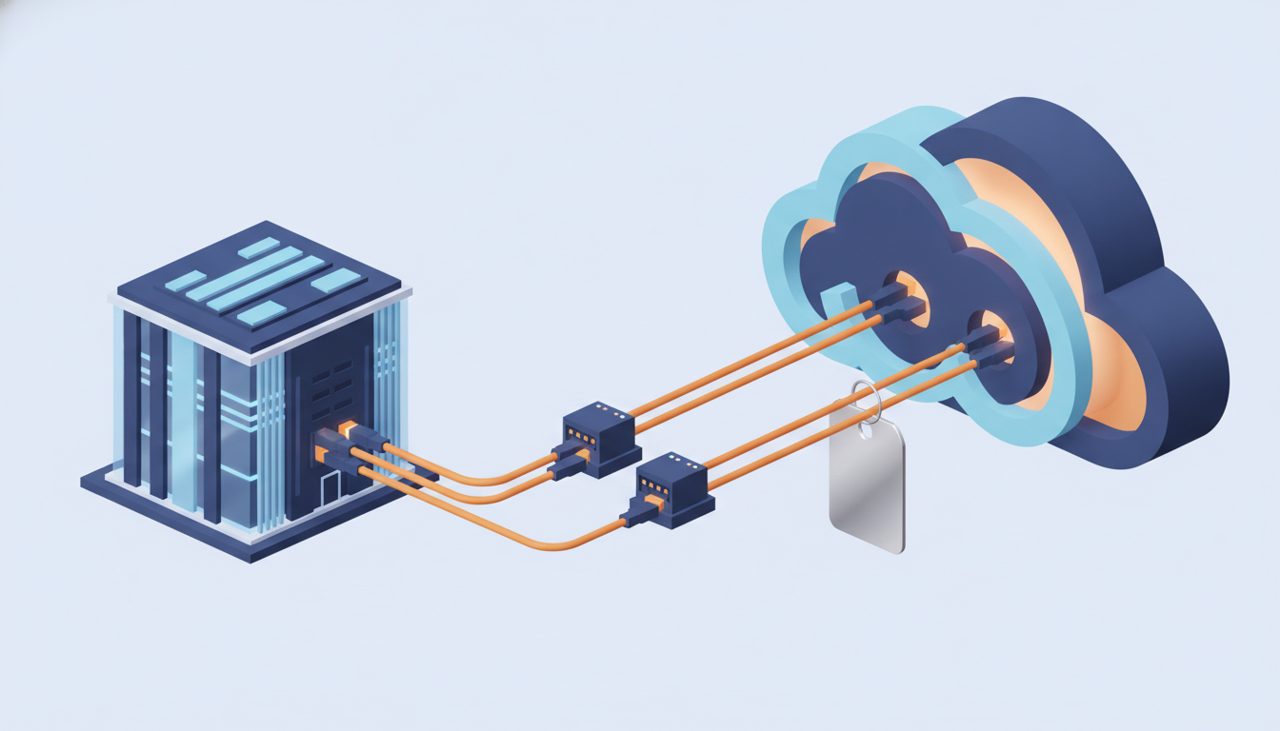
AWS just did something network engineers have been asking for since the first cross-connect was patched: Direct Connect flat-rate pricing for dedicated connections. Instead of paying port-hours plus a per-GB data transfer out (DTO) meter, you pay one fixed hourly rate and send traffic to Regions in your pricing tier without a DTO line item. The What’s New announcement reads like a pricing change. Under the hood it is also a topology change, and if you treat it as “just a billing toggle” you will trip over at least one of its rules. Let’s take it apart.
How Direct Connect flat-rate pricing is modeled
Every eligible connection now has two billing-relevant properties: a billing mode (pay-as-you-go or flat-rate) and, for flat-rate, a pricing tier. Tiers run from 1 to 5, and which tiers are on offer depends on the Direct Connect location your port lives in. The tier is the whole game: traffic from Regions inside the selected tier egresses with no DTO charge. Traffic to Regions outside the tier gets billed at standard DTO rates, same as before.
The scope is narrow on purpose:
- Dedicated connections only, at 10 Gbps and 100 Gbps. Hosted connections from partners are not eligible.
- Billing is a fixed hourly rate in 1-hour increments. There is no per-GB meter for in-tier traffic.
- Bandwidth is fixed at creation. You cannot flip a 10G port into a 100G flat-rate port; that is a new connection.
- SiteLink traffic is billed at standard rates, flat-rate or not.
The published anchors from the flat-rate pricing page: a 10 Gbps Tier 1 port-pair runs $10.96/hour (about $8,000/month), and a 100 Gbps Tier 3 port-pair runs $219.18/hour (about $160,000/month). Note the word “port-pair”. That is where the interesting engineering starts.
Port-pairs and resiliency groups
A flat-rate port-pair is two ports on different AWS devices, grouped in what the flat-rate connections guide calls a resiliency group. The two ports can sit in the same Direct Connect location or in different ones. The second port is included at no extra charge. That single sentence quietly rewrites the HA math: under pay-as-you-go, “maximum resiliency” meant paying for every port you lit. Under flat-rate, the redundant port is free.
The catch is that usable capacity equals one port. You buy 10 Gbps of capacity with a spare tire, not 20 Gbps of capacity. You can run a single connection instead of a pair if you really want to, but it costs the same price, so skipping the second port saves you nothing and costs you your failover path. Don’t do that.
Before you convert anything, check that your existing ports actually land on different devices. The awsDeviceV2 and awsLogicalDeviceId fields in the Direct Connect CLI tell you where each port terminates:
aws directconnect describe-connections \
  --query 'connections[?connectionState==`available`].[connectionId,connectionName,location,bandwidth,lagId,awsDeviceV2,awsLogicalDeviceId]' \
  --output table
Two ports on the same device are one maintenance window away from a simultaneous outage, and they do not form a valid pair anyway. Fix that first.

What “usable capacity = one port” means for BGP
Since you are paying for one port’s worth of capacity, design as if one port is all you have. The clean pattern is active/standby: prefer one path, keep the other hot. On the AWS-to-you direction, Direct Connect honors the documented local-preference BGP communities (7224:7300 high, 7224:7100 low). On the you-to-AWS direction, use local preference on your own router. A minimal FRR-style config:
router bgp 65010
 neighbor 169.254.10.1 remote-as 64512
 neighbor 169.254.20.1 remote-as 64512
 address-family ipv4 unicast
  network 10.50.0.0/16
  neighbor 169.254.10.1 route-map PRIMARY-IN in
  neighbor 169.254.10.1 route-map PRIMARY-OUT out
  neighbor 169.254.20.1 route-map STANDBY-IN in
  neighbor 169.254.20.1 route-map STANDBY-OUT out
 exit-address-family
!
route-map PRIMARY-IN permit 10
 set local-preference 200
route-map STANDBY-IN permit 10
 set local-preference 100
route-map PRIMARY-OUT permit 10
 set community 7224:7300
route-map STANDBY-OUT permit 10
 set community 7224:7100
If you prefer ECMP across both ports for faster convergence, fine, but size your traffic for a single port. A design that only works when both ports are healthy is a design that falls over the first time AWS patches a router, and flat-rate does not change the laws of physics.
LAGs, locations and the same-mode rule
Three constraints bite teams with existing estates:
- All connections at one location under one account must share a billing mode. You cannot keep a legacy pay-as-you-go 10G in Ashburn next to a new flat-rate 10G in the same account. Plan conversions per location, not per port, or split accounts deliberately.
- LAG members must share a billing mode. A link aggregation group is either all flat-rate or all pay-as-you-go. Mixed LAGs are not a thing.
- Maximum three billing-mode changes per connection per rolling six months. This is the guardrail against flipping to flat-rate during a big migration and back afterward. Burn one change converting, keep two in reserve for mistakes, and write that down in your change runbook.
The LAG rule deserves a second look. Teams often built 4 x 10G LAGs because that was the only way to get more than 10G without a 100G port. With usable capacity equal to one port per pair, a LAG of flat-rate connections is a different animal than it was under pay-as-you-go. Model the aggregate capacity you are actually buying before you convert a big LAG, and check the flat-rate pricing guide for how pairs within a LAG are counted.
How out-of-tier and SiteLink traffic still bills
Flat-rate removes DTO for in-tier Regions. It does not remove the DTO meter from your life. Two traffic classes keep billing the old way:
- Out-of-tier Regions. If your port is on a Tier 1 plan and a workload in a Region outside that tier pulls data down the link, that traffic is standard DTO. The classic failure mode: a DR copy or analytics export in a far Region that nobody remembers until the bill shows up.
- SiteLink. Site-to-site traffic across the AWS backbone keeps its standard pricing. If SiteLink is a large share of your usage, flat-rate helps less than the headline suggests.
So after conversion you should see two things in Cost Explorer: a new fixed hourly line for the port-pair, and a DTO line that shrinks to only out-of-tier and SiteLink bytes. If that DTO line is not shrinking, something is routing traffic from a Region you did not account for.
Pre-conversion checklist
- Confirm every port is dedicated, 10G or 100G, and not a hosted connection.
- Confirm the two ports of each intended pair sit on different AWS devices.
- List every connection per location per account, since they all change mode together.
- Identify LAGs and convert them as a unit.
- Map which Regions actually send traffic over each port and compare to the tiers offered at that location.
- Decide active/standby or ECMP, and size for one port either way.
- Record the change date so you know how many of your three changes remain.
Flat-rate is a good deal for anyone moving serious bytes. It is also a set of topology and account-boundary rules wearing a pricing costume. Get the rules right up front and the bill becomes boring, which is exactly what you want from a network bill.
At Enkompass (enkompass.net), this is our home turf. We’ve clawed back six figures in annual spend for clients who were sure their network bill was “already optimized.” If you’d rather have seasoned cloud people handle it instead of learning the hard way at 2 AM, let’s talk. Reach out through our contact page or call us directly at +1-828-436-5667 — we’ll help you turn this from a someday-project into a done-deal.