
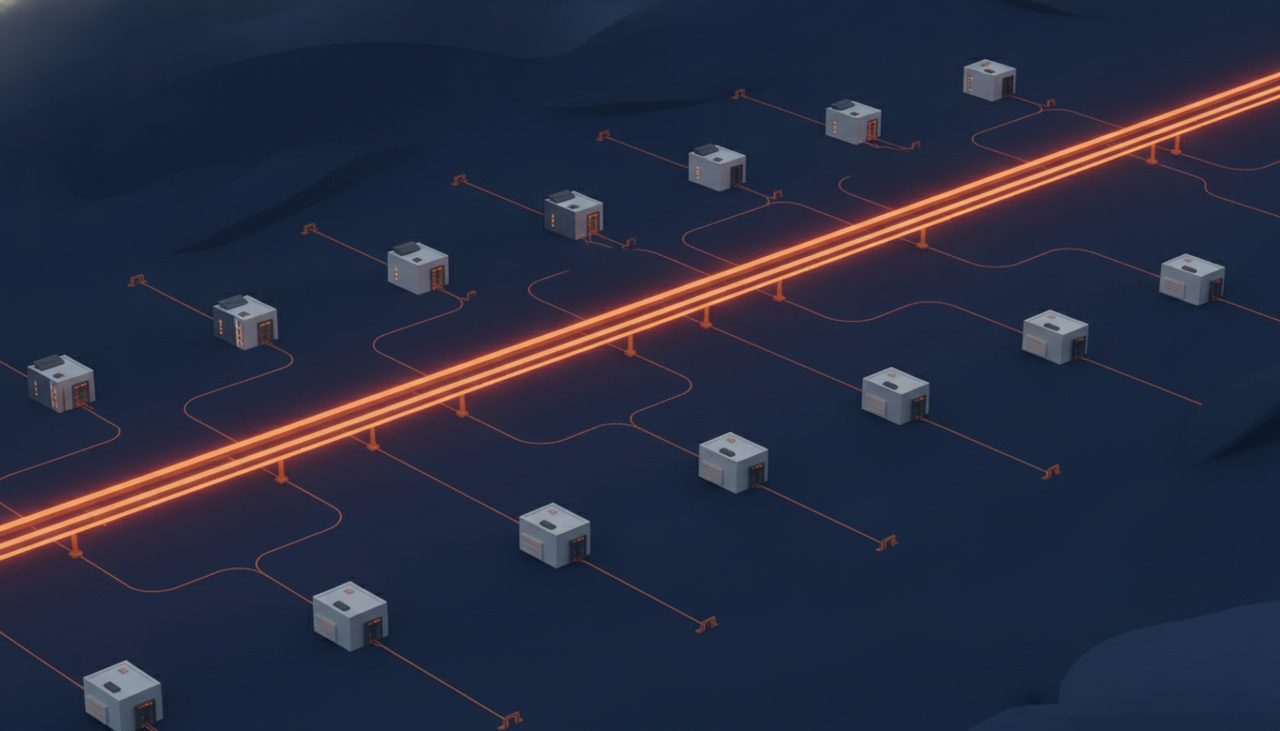
The EventBridge enhanced custom event bus is the biggest structural change to Amazon EventBridge since cross-account rules showed up, and it quietly fixes the thing every platform team has been duct-taping for years: one bus per account, a pile of bus-to-bus forwarding rules, and nobody sure which consumer is reading what. AWS announced it on September 24, 2026, and this post walks through how it actually works under the hood so you can design for it instead of guessing.
What an EventBridge enhanced custom event bus actually is
It is a new resource type, not a flag on the old one. In the console you now see two choices: Custom event bus (the new, enhanced one) and Custom event bus – classic (everything you already run). Classic buses keep working exactly as before, so nothing breaks on upgrade day. You pick enhanced at creation time.
The enhanced bus brings five capabilities that classic buses never had:
- Native sharing through AWS Resource Access Manager to accounts, an entire organization, OUs, or specific IAM roles and users.
- Ordered delivery keyed on
EventGroupIdfor subscribers that opt in. - Synchronous Lambda invocation, where the event is acknowledged only after your function succeeds.
- A first-class Subscriber resource that bundles filter, target, retry, DLQ, and a start time.
- Content-based deduplication, JSONata reshaping, and Avro/Protobuf deserialization built into the bus.
It also ships with a default quota of 10,000 subscribers per bus. That number tells you the intent: this is meant to be the one bus the whole org hangs off, not another bus per team.
Sharing the bus with AWS RAM
With classic buses, cross-account publishing meant writing resource-based policies on the bus and, for consumption, forwarding events from a central bus to a bus in every consuming account. Every hop was a rule, and every rule was another thing to break. The enhanced bus replaces that with a normal RAM share.
You create the bus in a platform account, then share it to an OU. Member accounts in that OU can publish to it and create Subscribers on it, subject to whatever permissions the share grants. The RAM side is the usual command; the exact managed permission names for enhanced buses are in the EventBridge documentation, so check the list for your Region before you script it.
aws ram create-resource-share \
  --name org-event-backbone \
  --resource-arns arn:aws:events:us-east-1:111111111111:event-bus/org-backbone \
  --principals arn:aws:organizations::111111111111:ou/o-abc123xyz/ou-ab12-workload1 \
  --no-allow-external-principals
Share to OUs rather than account IDs, so new accounts landing in the OU inherit access automatically. RAM also supports sharing to individual IAM roles and users, handy when one CI role needs to publish but nobody else in that account should.
Subscribers replace rules plus targets
On a classic bus, a consumer is a rule (the event pattern) plus up to five targets, each with its own retry policy and DLQ configuration bolted on. That model works, but ownership gets murky fast. Who owns the rule on the central bus that feeds the payments team’s queue? Usually the platform team, forever.
The enhanced bus introduces a Subscriber resource. A Subscriber is one self-contained consumer definition with:
- A filter (event pattern) that selects what it receives.
- A target, such as a Lambda function or SQS queue.
- A retry policy and a dead-letter queue.
- A start time, which lets a new consumer begin reading from an earlier point for replay or onboarding.
Because consumers create their own Subscribers against the shared bus, the team that owns the target owns the subscription. The platform team owns the bus and the share. That separation is the whole point, and it is why the 10,000-subscriber quota matters more than raw events-per-second numbers for most orgs.

EventGroupId ordering: what opt-in actually means
Classic EventBridge never promised ordering; you routed to SQS FIFO and pretended EventBridge was just a router. The enhanced bus adds ordering keyed on EventGroupId, and the semantics are worth reading twice.
Publishers set an EventGroupId on each event. Subscribers that opt in to ordering receive events with the same group ID in the order they were accepted. Subscribers that do not opt in keep getting the usual asynchronous, unordered delivery from the same bus. Ordering is a per-subscriber contract, not a property of the whole bus.
Here is what a publish looks like. The field is shown as EventGroupId inside the entry; confirm the exact parameter spelling against the put-events reference once your CLI version picks up the new API model.
aws events put-events --entries '[
  {
    "EventBusName": "arn:aws:events:us-east-1:111111111111:event-bus/org-backbone",
    "Source": "com.acme.orders",
    "DetailType": "OrderStatusChanged",
    "Detail": "{\"orderId\":\"ord-1042\",\"status\":\"PAID\"}",
    "EventGroupId": "ord-1042"
  }
]'
The group key is the most important decision you will make on this bus. Ordering is per group, so throughput scales with the number of distinct active groups. Key on orderId and you get massive parallelism with correct per-order sequencing. Key on tenantId and one noisy tenant serializes itself into a traffic jam. Key on a constant and you built a very expensive single-threaded queue. Pick the narrowest entity whose events really must stay in sequence.
Synchronous Lambda targets
The other half of ordering is delivery. Classic EventBridge invokes Lambda asynchronously, which means Lambda’s internal queue sits between the bus and your code, with its own retries and its own idea of what “delivered” means. The enhanced bus can invoke Lambda synchronously: it calls your function, waits for the result, and only acknowledges the event after the function succeeds. No intermediate SQS queue, no hidden async buffer.
The consequences for your handler are direct:
- Throwing an error is a signal. A failed invocation triggers the Subscriber’s retry policy, and exhausted retries land in its DLQ. Do not swallow exceptions to look healthy.
- Latency is backpressure. For an ordered subscriber, the next event in that group waits for the current one. A slow downstream call slows the whole group.
- Timeouts need thought. Size the function timeout for realistic worst cases and keep handlers focused. Heavy work belongs behind another queue.
- Concurrency caps interact with groups. Reserved concurrency limits how many groups can make progress at once. Watch throttles in Lambda metrics.
Pricing, Regions, and quotas you should plan around
Pricing moves from the classic per-event model plus cross-account routing charges to an ingress/egress model: publishers pay to ingest, subscribers pay for delivery. That maps cleanly onto chargeback, because the account that publishes pays for publishing and the account that consumes pays for consuming. Check the EventBridge pricing page for the current rates rather than trusting a number in a blog post.
At launch the enhanced bus is available in us-east-1, us-east-2, us-west-2, eu-west-1, eu-central-1, eu-north-1, eu-south-2, ap-east-1, ap-southeast-5, ap-south-1, ap-southeast-1, ap-southeast-2, ap-southeast-7, and ap-northeast-1. If your org lives elsewhere, classic buses remain your option for now.
The quota that matters most is subscribers per bus (10,000 by default). Throughput and payload limits for enhanced buses are listed in the EventBridge user guide; read them before you promise another team anything.
How to adopt it without a big-bang migration
You do not have to touch a single classic bus to start. The sane path looks like this:
- Create one enhanced bus in a platform account in a supported Region and share it to a pilot OU.
- Have one domain team dual-publish: keep writing to the classic bus, and also write to the enhanced bus with a sensible
EventGroupId. - Let new consumers create Subscribers on the enhanced bus, using the start time to backfill what they missed.
- Once consumers have moved, retire the forwarding rules on the classic side, one domain at a time.
This is event-driven architecture finally shaped like an org chart: one backbone, many producers, many independently owned consumers, and ordering only where you ask for it. The trade-off is that you now have a critical shared dependency, so treat the platform account like production infrastructure, because it is. The EventBridge product page tracks new Regions as they land.
At Enkompass (enkompass.net), this is our home turf. We design AWS architectures that survive contact with production, including the 3 AM page that comes with a shared event backbone. If you’d rather have seasoned cloud people handle it instead of learning the hard way at 2 AM, let’s talk. Reach out through our contact page or call us directly at +1-828-436-5667 — we’ll help you turn this from a someday-project into a done-deal.