
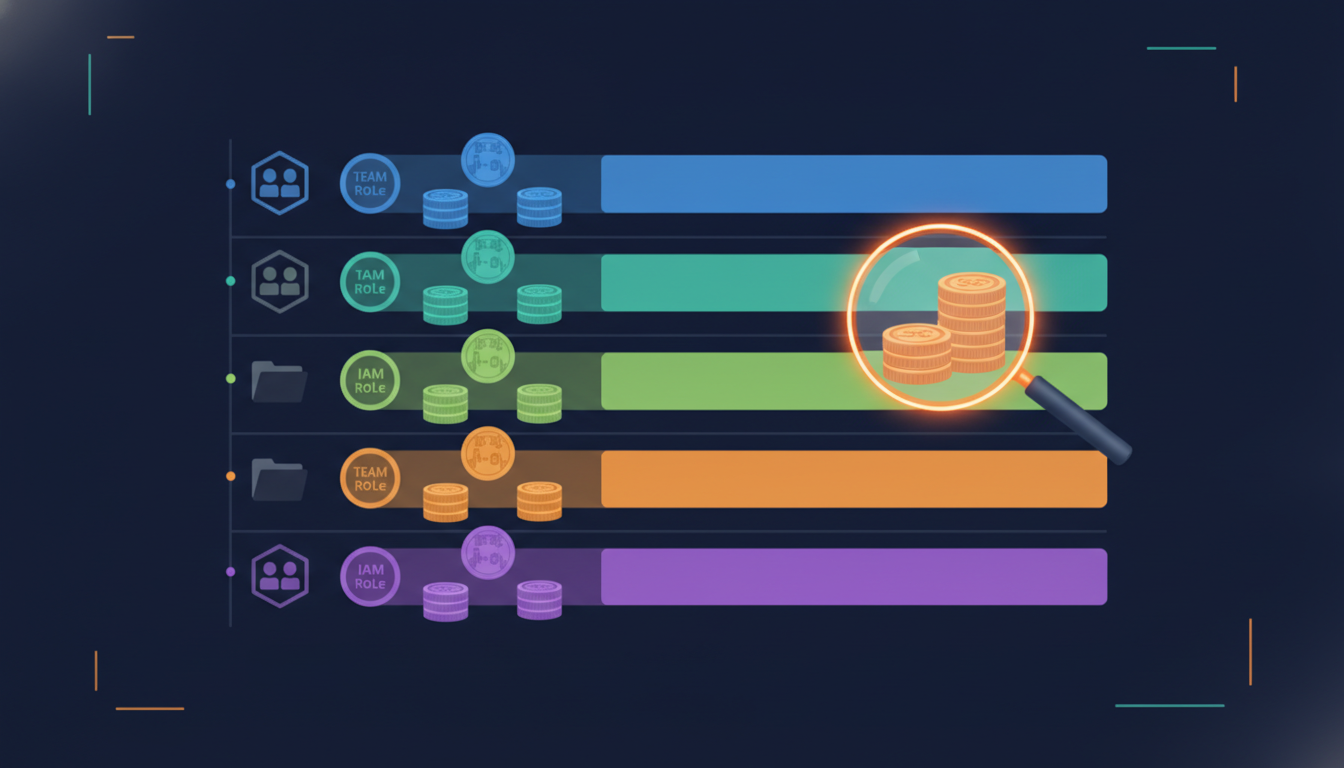
Bedrock cost allocation used to mean staring at one fat line item labeled “Amazon Bedrock” and guessing which team set it on fire. That era is over. Between IAM-principal data in CUR 2.0, tagged inference profiles, and invocation logs you can land in S3, you can now answer “who spent what, on which model, for how many tokens” with a SQL query instead of a Slack witch hunt.
AWS laid out the full operating model in its Getting started with tokenomics on AWS post, organized around four pillars: See, Save, Run, and Plan. This piece is all about “See” — the plumbing. If you can’t attribute spend, every optimization conversation afterward is a vibes contest.
Why Bedrock Cost Allocation Is Harder Than EC2
Classic FinOps assumes resources: an instance, a volume, a bucket, each with tags. On-demand model inference doesn’t work that way. A single shared foundation model serves every caller in the account, and the bill shows up as usage types (input tokens, output tokens, cache reads) aggregated per day. Tag the model? You can’t. It isn’t yours.
So you need identity on the request path. AWS gives you three complementary levers, and a mature setup uses all of them:
- Who called — IAM principal data in CUR 2.0.
- What workload — tagged application inference profiles, Projects, or Workspaces.
- What happened per request — model invocation logs with token counts.
Lever 1: IAM Principal Data in CUR 2.0
This is the single most useful billing change for GenAI in years. IAM principal cost allocation adds a line_item_iam_principal column to CUR 2.0 containing the ARN of the user or role that made the Bedrock call — including assumed-role/.../session-name forms. Enabling it is three moves:
- Tag the IAM roles and users that call Bedrock (
team,cost-center,app). - Activate those tags under Billing and Cost Management, Cost Allocation Tags. They only show up after the principal has made at least one API call, and activation can take another day.
- In Data Exports, create a standard (CUR 2.0) export and tick Include caller identity (IAM principal) allocation data.
Principal tags land in the tags column with an iamPrincipal/ prefix, and Cost Explorer can group by them directly. Two warnings. Your CUR grows by roughly the number of distinct calling identities per model, so don’t be shocked when the export doubles. And never put session IDs, timestamps, or GUIDs in principal tag values unless you enjoy high-cardinality pain.
The first query worth running, adapted from the AWS post against a CUR 2.0 table in Athena:
SELECT element_at(split(line_item_iam_principal, '/'), 2) AS role,
       resource_tags['user_project']                       AS project,
       product_usagetype,
       SUM(line_item_unblended_cost)                       AS spend
FROM   cur2.cur2
WHERE  line_item_product_code LIKE '%Bedrock%'
   OR  product['product_name'] LIKE '%Bedrock%'
GROUP  BY 1, 2, 3
ORDER  BY spend DESC;
Splitting on / and taking the second element yields the role name whether the ARN is role/app-role or assumed-role/app-role/session. Handy, because you’ll be joining on it shortly.
Lever 2: Inference Profiles, Projects, and Workspaces
Principals tell you who. Workload tags tell you why. Bedrock offers three tagging constructs, and picking the wrong one for your API surface is a classic own-goal:
- Application inference profiles — for
bedrock-runtime(InvokeModel, Converse). Each profile wraps exactly one model, carries tags, and you pass its ARN as themodelId. - Bedrock Projects — for the Responses and Chat Completions APIs on the
bedrock-mantleendpoint. One project spans many models; the model is per-request. - Bedrock Workspaces — same billing behavior as Projects, but for the Anthropic-compatible Messages API, selected with the
anthropic-workspace-idheader.
All three deliver aggregated dollars per usage type per day into Cost Explorer and CUR 2.0 once their tags are activated. None of them are retroactive. Creating a profile per team per model is cheap and boring, which is exactly what you want:
aws bedrock create-inference-profile \
  --inference-profile-name search-team-haiku \
  --model-source copyFrom="$SYSTEM_PROFILE_OR_MODEL_ARN" \
  --tags key=team,value=search key=env,value=prod
Lever 3: Invocation Logs as Your Token Ledger
CUR tells you dollars per day. It does not tell you that one agent burned 40,000 tokens per request because someone stuffed an entire wiki into the system prompt. For that you need model invocation logging. Each record carries modelId, identity.arn, input.inputTokenCount, output.outputTokenCount, the operation, and an optional requestMetadata map that callers can populate per request with tags like feature or tenant. That last field is your per-request attribution escape hatch when profile-level tags are too coarse.
Ship logs to S3 (gzipped JSON under AWSLogs/<account>/BedrockModelInvocationLogs/) for the data lake, CloudWatch Logs for near-real-time alarms, or both. If you run many accounts, AWS publishes a sample Bedrock token cost allocation solution that fans CloudWatch Logs into a central Firehose stream, converts to Parquet with Lambda, and catalogs everything in Glue for Athena and QuickSight. Steal it.
One sharp edge: text delivery means prompts and completions land in your bucket. Treat that bucket like production data, because it is. Lock it down, encrypt it with KMS, and set lifecycle rules.
The Athena Join: Cost per Token per Team
Now the payoff. Aggregate CUR spend and log tokens to the same grain — day plus role — and divide:
WITH spend AS (
  SELECT date(line_item_usage_start_date)                        AS d,
         element_at(split(line_item_iam_principal, '/'), 2)      AS role,
         SUM(line_item_unblended_cost)                           AS usd
  FROM   cur2.cur2
  WHERE  line_item_product_code LIKE '%Bedrock%'
  GROUP  BY 1, 2),
tokens AS (
  SELECT date(from_iso8601_timestamp("timestamp"))               AS d,
         element_at(split(identity.arn, '/'), 2)                 AS role,
         SUM(input.inputtokencount + output.outputtokencount)    AS tok
  FROM   bedrock_logs.invocations
  GROUP  BY 1, 2)
SELECT s.d, s.role, s.usd, t.tok,
       ROUND(s.usd / NULLIF(t.tok, 0) * 1000000, 2) AS usd_per_million_tokens
FROM   spend s JOIN tokens t ON s.d = t.d AND s.role = t.role
ORDER  BY s.usd DESC;
Blended dollars per million tokens per role is the number that starts real conversations. When one team pays triple what another pays for similar work, it’s almost always a model choice or an output-heavy prompt, since output tokens run roughly three times the price of input. That’s a tomorrow-afternoon problem; today you just need to see it.
Prefer dashboards over SQL? The CUDOS dashboard in the Cloud Intelligence Dashboards framework now has an AI/ML tab that surfaces Bedrock spend without writing a line of SQL, and the AWS tokenomics playbook walks through deploying it.
Closing the Loop With Budgets and Anomaly Detection
Visibility without alerts is a museum. Point AWS Budgets at your activated tags (inference profile tags or iamPrincipal/ tags) so each team gets its own threshold and an 80% warning. If you run custom billing views for business units, scope budgets to those views so a team only sees, and gets paged about, its own slice. Then switch on Cost Anomaly Detection with a monitor on Bedrock — agent loops don’t wait for month-end close.
The rollout order that works for us: principal tags and the CUR 2.0 checkbox on day one (they take 24 to 48 hours to populate anyway), invocation logging the same afternoon, inference profiles as each workload ships, and the Athena join once a week of data has landed. Within two weeks you’ll know your cost per million tokens by team, and you’ll never accept a single Bedrock line item again.
At Enkompass (enkompass.net), this is our home turf. We’ve clawed back six figures of annual AWS spend for clients through tagging, rightsizing, and anomaly hunting, and we now run the same attribution playbook on Bedrock token bills, from IAM-principal CUR data to invocation-log data lakes. If you’d rather have seasoned cloud people handle it instead of learning the hard way at 2 AM, let’s talk. Reach out through our contact page or call us directly at +1-828-436-5667 — we’ll help you turn this from a someday-project into a done-deal.