
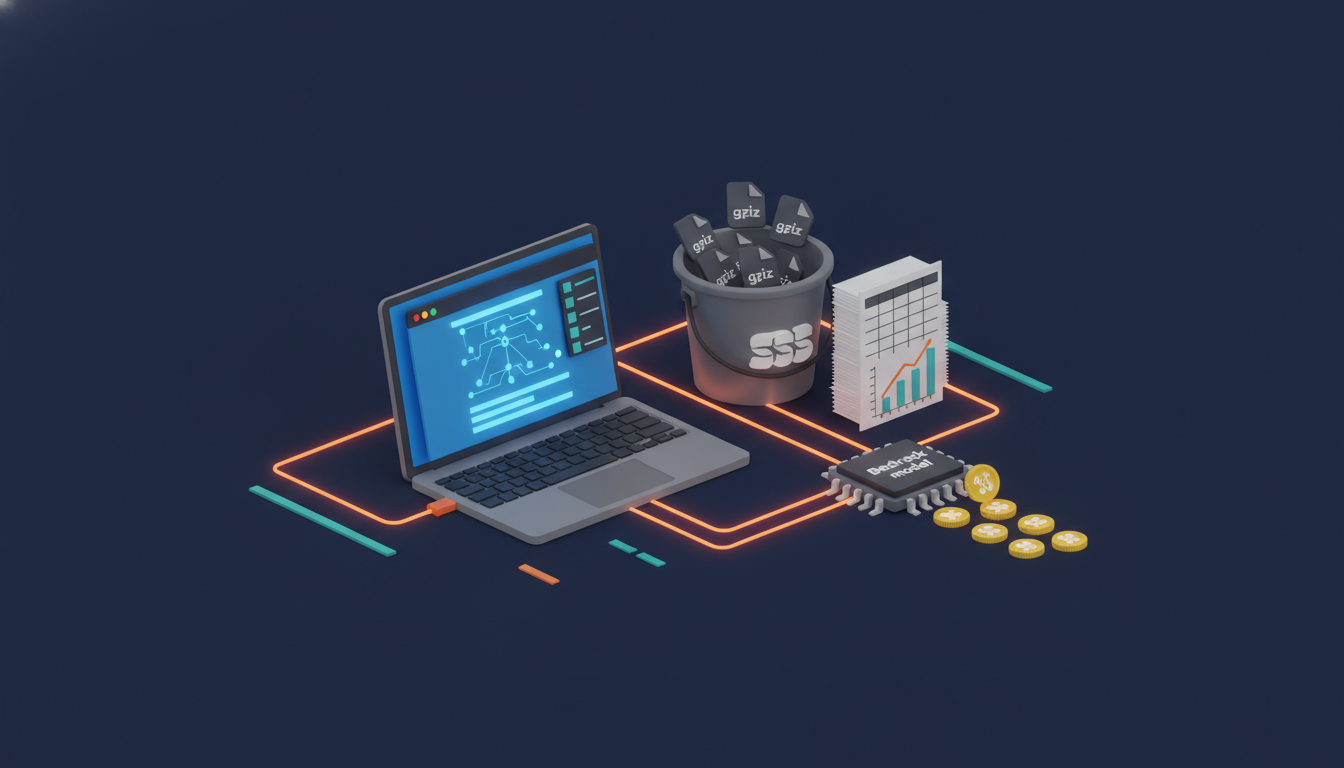
Bedrock token cost attribution sounds like a quarter-long data project. It isn’t. In one sitting you can capture who called which model, how many tokens they burned, and what it cost, then join it all in Athena and slap a Budget on top. This walkthrough builds exactly that in a single account, following the “See” pillar from AWS’s tokenomics guidance.
Prerequisites
- An AWS account with Bedrock model access to Claude Haiku 4.5 (or swap in any model you have) in
us-east-1. - AWS CLI v2 configured with admin-ish rights, plus access to the Billing and Cost Management console.
- An IAM role your app uses to call Bedrock (we’ll call it
search-app-role). - Python 3 with
boto3, and an Athena query result location. - Patience for billing data: CUR 2.0 and tag activation take 24 to 48 hours to populate.
Build Bedrock Token Cost Attribution Step by Step
-
Create the log bucket. Bedrock writes invocation logs only to a same-Region, same-account bucket with ACLs disabled and a policy that lets
bedrock.amazonaws.comput objects.export ACCT=$(aws sts get-caller-identity --query Account --output text) export BUCKET=bedrock-invocation-logs-$ACCT aws s3api create-bucket --bucket $BUCKET --region us-east-1 cat > policy.json <<EOF {"Version":"2012-10-17","Statement":[{"Sid":"AmazonBedrockLogsWrite", "Effect":"Allow","Principal":{"Service":"bedrock.amazonaws.com"}, "Action":"s3:PutObject", "Resource":"arn:aws:s3:::$BUCKET/bedrock/AWSLogs/$ACCT/BedrockModelInvocationLogs/*", "Condition":{"StringEquals":{"aws:SourceAccount":"$ACCT"}, "ArnLike":{"aws:SourceArn":"arn:aws:bedrock:us-east-1:$ACCT:*"}}}]} EOF aws s3api put-bucket-policy --bucket $BUCKET --policy file://policy.json -
Turn on invocation logging. Text delivery stores prompts and completions, so treat this bucket as sensitive. Token counts, model ID, and caller ARN are recorded either way.
aws bedrock put-model-invocation-logging-configuration \ --logging-config "{\"s3Config\":{\"bucketName\":\"$BUCKET\",\"keyPrefix\":\"bedrock\"}, \"textDataDeliveryEnabled\":true,\"imageDataDeliveryEnabled\":false, \"embeddingDataDeliveryEnabled\":false}" aws bedrock get-model-invocation-logging-configuration -
Tag the caller and enable IAM principal data in CUR 2.0. Tag the role, then in the console go to Data Exports, create a Standard data export (CUR 2.0) in Parquet, and tick Include caller identity (IAM principal) allocation data. That adds the
line_item_iam_principalcolumn described in the IAM principal cost allocation docs. After the role makes its first Bedrock call, activate its tags under Cost Allocation Tags.aws iam tag-role --role-name search-app-role \ --tags Key=team,Value=search Key=cost-center,Value=CC-1001 aws bcm-data-exports list-exports # confirm the export exists -
Create a tagged application inference profile. Application inference profiles wrap one model and carry cost allocation tags into CUR. Copy from the system-defined cross-Region profile for your model (find its ARN with the list call). The create call returns an
inferenceProfileArn; save it, because your application uses that ARN instead of a model ID from now on. One profile per team per model keeps the tags honest and the math simple.aws bedrock list-inference-profiles --type-equals SYSTEM_DEFINED \ --query "inferenceProfileSummaries[?contains(inferenceProfileId,'haiku-4-5')].inferenceProfileArn" aws bedrock create-inference-profile \ --inference-profile-name search-haiku \ --model-source copyFrom=<SYSTEM_PROFILE_ARN_FROM_ABOVE> \ --tags key=team,value=search key=env,value=dev -
Generate traffic with per-request metadata. Pass the profile ARN as
modelId. TherequestMetadatamap lands in each log record, giving you feature-level attribution that billing tags can’t. Printingusagelets you sanity-check token counts before they ever hit the logs. Within a few minutes, gzipped objects should start appearing under theBedrockModelInvocationLogs/prefix; if they don’t, recheck the bucket policy’s source ARN and Region.import boto3 brt = boto3.client("bedrock-runtime", region_name="us-east-1") PROFILE = "arn:aws:bedrock:us-east-1:ACCOUNT_ID:application-inference-profile/PROFILE_ID" for feature in ["autocomplete", "summarize"] * 10: r = brt.converse( modelId=PROFILE, messages=[{"role": "user", "content": [{"text": f"Give a one-line tip about {feature}."}]}], inferenceConfig={"maxTokens": 200}, requestMetadata={"team": "search", "feature": feature}, ) print(feature, r["usage"])

-
Create the Athena table for invocation logs. Logs arrive as gzipped JSON. A JSON SerDe table over the log prefix is enough for a single account; for multi-account, look at AWS’s sample token cost allocation data lake, which converts to Parquet via Firehose.
CREATE DATABASE IF NOT EXISTS bedrock_logs; CREATE EXTERNAL TABLE bedrock_logs.invocations ( `timestamp` string, accountid string, region string, requestid string, operation string, modelid string, identity struct<arn:string>, requestmetadata map<string,string>, `input` struct<inputtokencount:int>, `output` struct<outputtokencount:int>) ROW FORMAT SERDE 'org.openx.data.jsonserde.JsonSerDe' LOCATION 's3://bedrock-invocation-logs-ACCOUNT_ID/bedrock/AWSLogs/ACCOUNT_ID/BedrockModelInvocationLogs/'; -
Catalog the CUR 2.0 export with a Glue crawler. Once the first export lands (give it a day), crawl the data folder so Athena can see it. The table name comes from the folder, so check it afterward.
aws glue create-database --database-input Name=cur2 aws glue create-crawler --name cur2-crawler \ --role AWSGlueServiceRole-cur2 --database-name cur2 \ --targets '{"S3Targets":[{"Path":"s3://YOUR-EXPORT-BUCKET/PREFIX/EXPORT-NAME/data/"}]}' aws glue start-crawler --name cur2-crawler aws glue get-tables --database-name cur2 --query "TableList[].Name" -
Join cost and tokens. First, feature-level token share from the logs. Then the daily join on role name, which works whether the ARN is
role/xorassumed-role/x/session. Replacecur2.datawith your crawled table name.-- tokens by feature (from requestMetadata) SELECT requestmetadata['feature'] AS feature, modelid, SUM("input".inputtokencount) AS in_tok, SUM("output".outputtokencount) AS out_tok FROM bedrock_logs.invocations GROUP BY 1, 2; -- dollars per million tokens per role per day WITH spend AS ( SELECT date(line_item_usage_start_date) d, element_at(split(line_item_iam_principal,'/'),2) role, SUM(line_item_unblended_cost) usd FROM cur2.data WHERE line_item_product_code LIKE '%Bedrock%' GROUP BY 1, 2), tok AS ( SELECT date(from_iso8601_timestamp("timestamp")) d, element_at(split(identity.arn,'/'),2) role, SUM("input".inputtokencount + "output".outputtokencount) t FROM bedrock_logs.invocations GROUP BY 1, 2) SELECT s.d, s.role, s.usd, tok.t, ROUND(s.usd / NULLIF(tok.t,0) * 1e6, 2) AS usd_per_m_tokens FROM spend s JOIN tok ON s.d = tok.d AND s.role = tok.role ORDER BY s.usd DESC; -
Add a Budget on the profile tag. Activate the
teamtag from the inference profile under Cost Allocation Tags, then create a monthly AWS Budget filtered to it with an 80% alert.cat > budget.json <<'EOF' {"BudgetName":"bedrock-search-team","BudgetType":"COST","TimeUnit":"MONTHLY", "BudgetLimit":{"Amount":"500","Unit":"USD"}, "CostFilters":{"TagKeyValue":["user:team$search"]}} EOF aws budgets create-budget --account-id $ACCT --budget file://budget.json \ --notifications-with-subscribers '[{"Notification":{"NotificationType":"ACTUAL", "ComparisonOperator":"GREATER_THAN","Threshold":80,"ThresholdType":"PERCENTAGE"}, "Subscribers":[{"SubscriptionType":"EMAIL","Address":"finops@example.com"}]}]'
What you built
You now have three attribution signals stitched together: CUR 2.0 knows which IAM principal spent the money, the inference profile tag ties usage to a team budget, and invocation logs record tokens per request down to the feature. The Athena join turns that into dollars per million tokens per team, the number that tells you where to start optimizing. Want pictures instead of SQL? Point QuickSight at the same tables or deploy the CUDOS AI/ML dashboard. From here, the obvious next moves are an anomaly monitor on Bedrock spend and a weekly report that ranks teams by cost per million tokens, so the expensive outliers get a friendly visit before finance sends an unfriendly email.
Cleanup: delete the budget, the inference profile (aws bedrock delete-inference-profile), the Glue crawler and databases, and disable logging with aws bedrock delete-model-invocation-logging-configuration. Add an S3 lifecycle rule or empty the log bucket, since stored prompts don’t need to live forever.
At Enkompass (enkompass.net), this is our home turf. We’ve clawed back six figures of annual AWS spend for clients by making every dollar traceable to an owner, and we now build this exact CUR-plus-invocation-log pipeline so Bedrock token bills get the same treatment. If you’d rather have seasoned cloud people handle it instead of learning the hard way at 2 AM, let’s talk. Reach out through our contact page or call us directly at +1-828-436-5667 — we’ll help you turn this from a someday-project into a done-deal.